CSIR NML MTS Online Form 2026
National Metallurgical Laboratory Recruitment | Published By: ✔
Short Details
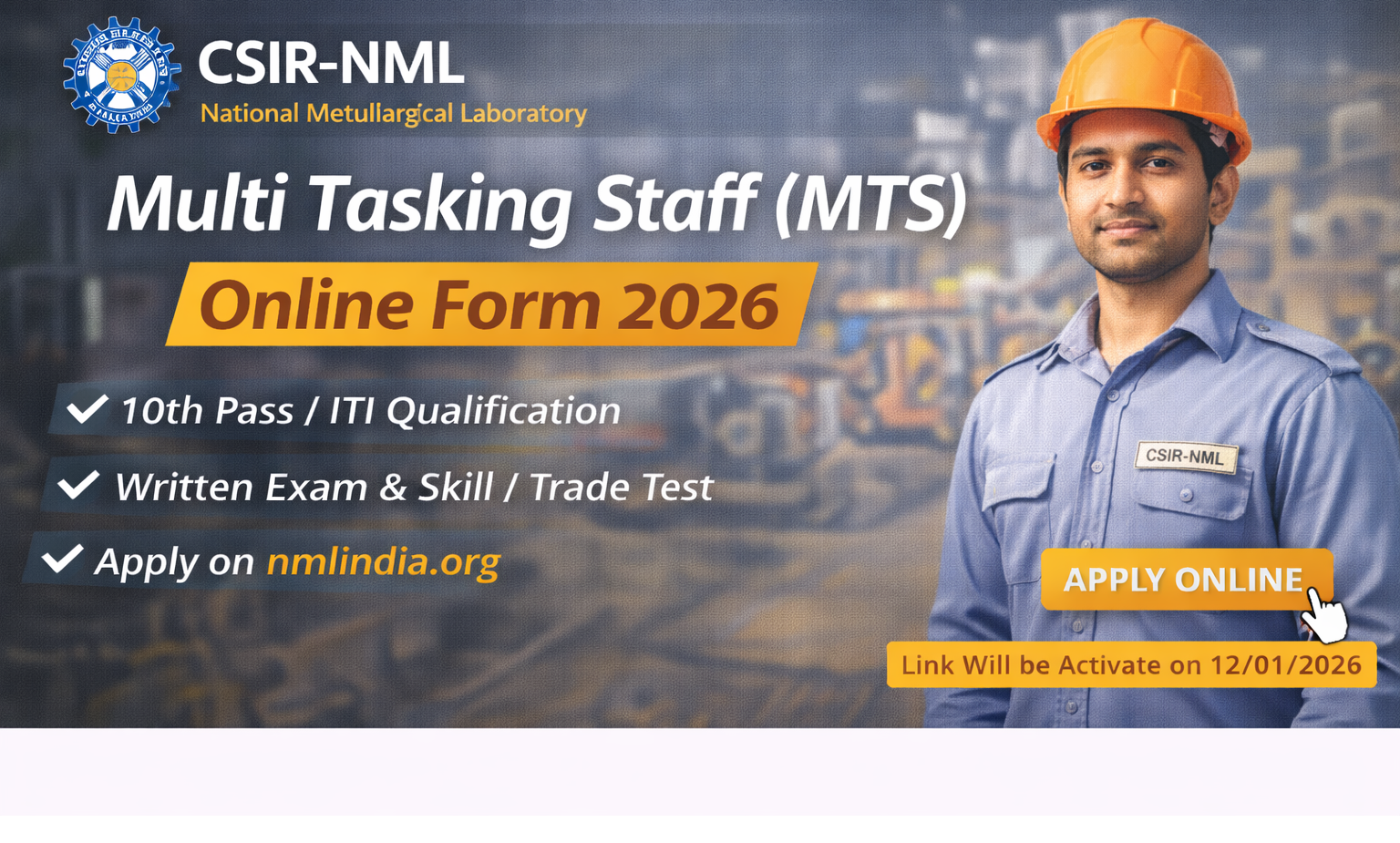
CSIR–National Metallurgical Laboratory (NML) has released the CSIR NML MTS Recruitment 2026 notification.
This recruitment is for the post of Multi Tasking Staff (MTS).
Candidates who have passed 10th / ITI (as per notification) are eligible to apply online.
The selection process will include Written Examination and Skill/Trade Test.
Applications are accepted through online mode only.
Interested candidates must apply via the official website of CSIR–National Metallurgical Laboratory (CSIR-NML) after reading the notification carefully.
- Application Begin 05/01/2026
- Last Date for Apply 06/02/2026
- Fee Payment Last Date 06/02/2026
- Exam Date As per Schedule
- Admit Card Before Exam
- General / OBC / EWS ₹ 500/-
- SC / ST / PH ₹ 0/-
- All Female ₹ 0/-
- Payment Mode Debit Card / Credit Card / Net Banking
Age Limit (as per Notification)
- Minimum Age: 18 Years
- Maximum Age 25 Years
Vacancy Details
CSIR NML MTS Recruitment & Vacancy Details
| Post Name | Total Post | Qulification | Others |
|---|---|---|---|
| Post Name | Total Post | Qulification | Others |
| MTS (M-01) | 14 | High School Passed or its Equivalent Pass | NIL |
| MTS (M-02) | 02 | ITI pass in Electrician Trade | NIL |
| MTS (M-03) | 01 | ITI pass in Carpenter Trade | NIL |
| MTS (M-04) | 01 | ITI pass in Fitter Trade | NIL |
| MTS (M-05) | 01 | ITI pass in Plumber Trade | NIL |
| MTS (M-06) | 01 | ITI pass in Air Condition (AC) & Refrigeration Trade | NIL |
| MTS (M-07) | 02 | ITI pass in Computer Operator and Programming Assistant (COPA) Trade | NIL |
*Subject-wise complete details ke liye official notification jaroor padhein.
How to Fill Form
- CSIR–NML MTS Online Form 2026 – How to Apply (Step-by-Step)
- Visit Official Website
- Go to the official website of CSIR–National Metallurgical Laboratory (CSIR-NML).
- Open Recruitment Section
- Click on Recruitment / Careers and find MTS Online Form 2026.
- Read Notification Carefully
- Check eligibility, age limit, educational qualification, and selection process.
- Start Online Registration
- Click on Apply Online / New Registration.
- Enter Basic Details
- Fill your name, date of birth, mobile number, email ID, and category.
- Get Registration ID & Password
- Note down the system-generated Registration Number and Password.
- Login to Application Form
- Login using the registration credentials to complete the form.
- Fill Personal & Educational Details
- Enter address, 10th / ITI qualification details, and other required information.
- Upload Documents
- Upload scanned photograph, signature, and certificates as per guidelines.
- Pay Application Fee
- Pay the fee online using Debit Card / Credit Card / Net Banking / UPI (if applicable).
- Preview Application Form
- Recheck all details carefully before final submission.
- Final Submit Form
- Click on Final Submit to complete the application process.
- Print Application Form
- Download and take a printout of the submitted form for future reference.